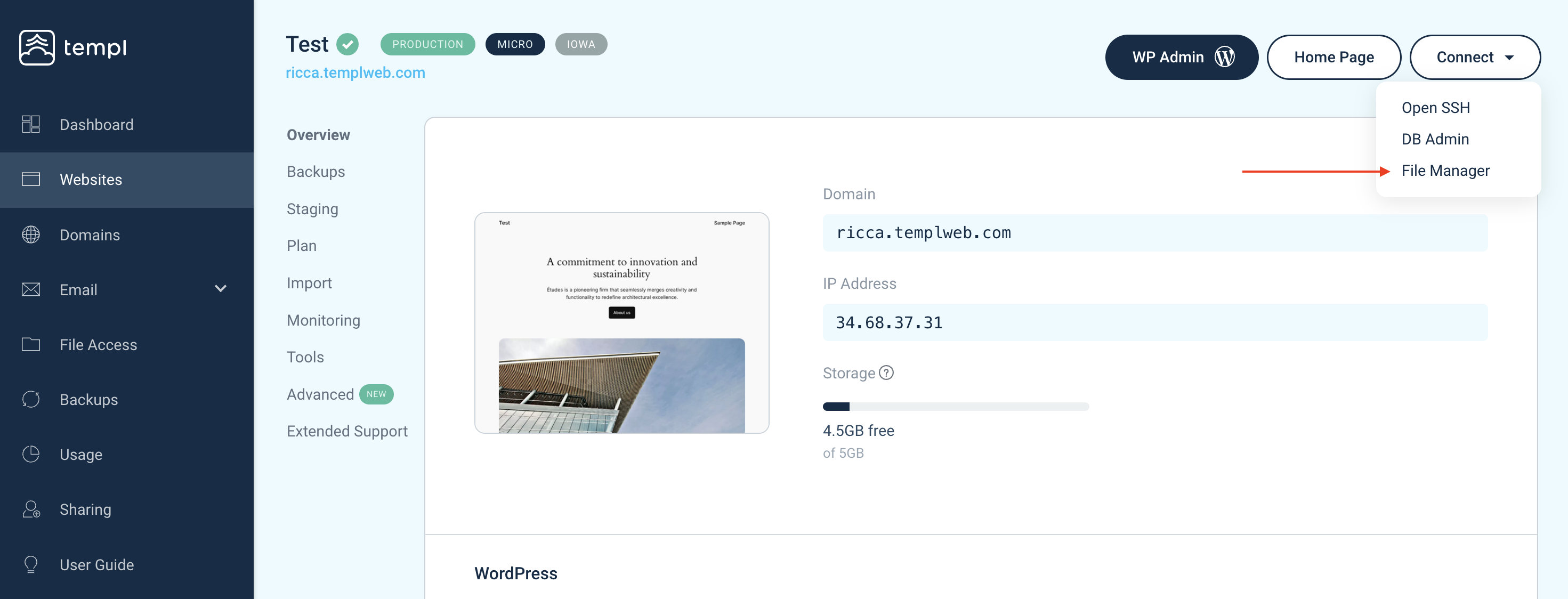
Use the file manager
The file manager is the easiest way to access your files. Directly in your web browser, you can:
- Upload/download files
- Edit content on existing files
- Rename files
- Delete files and folders
This can be useful if, for example, you want to verify ownership of domain names, upload a plugin, read log files, or download a local backup.
Open the file manager
Navigate to the website in the Templ Panel, then click the Connect button, followed by file manager. This opens a new window with the file manager.