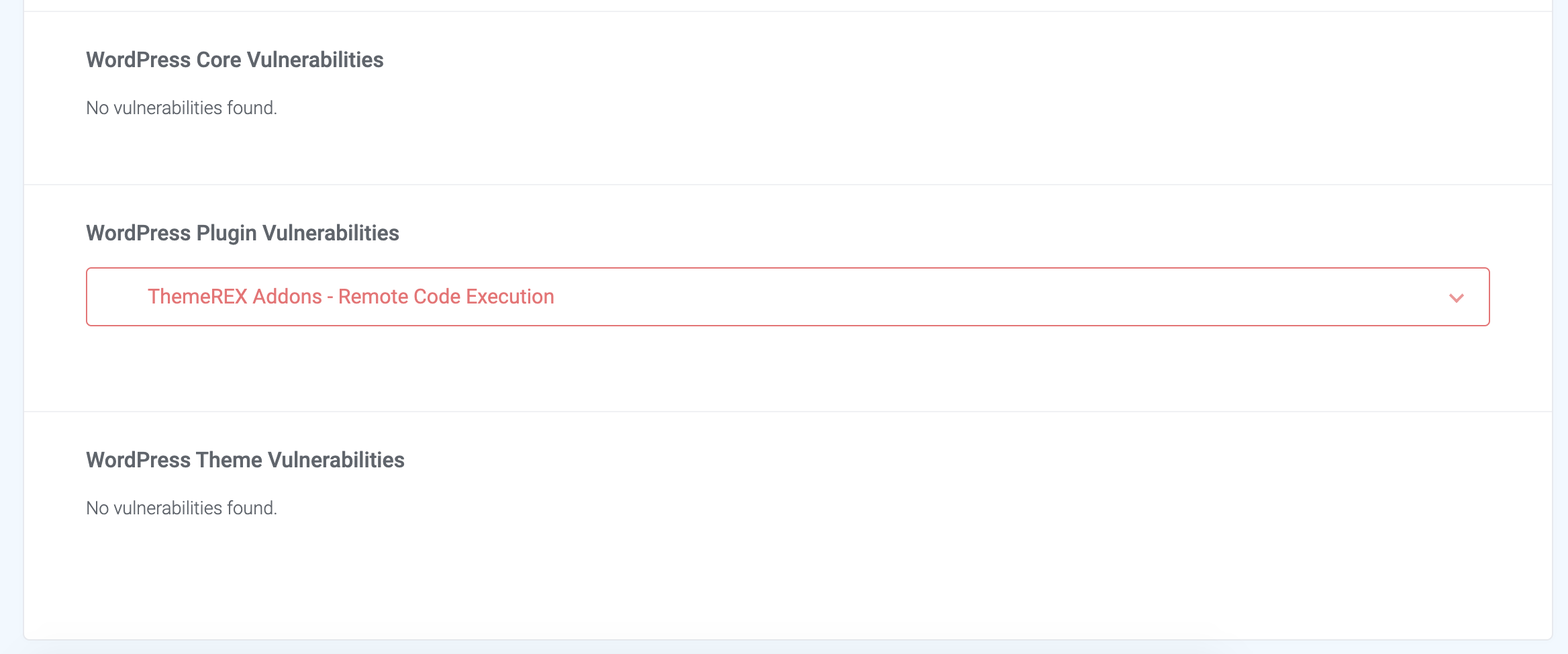
Find vulnerabilities
Find and resolve vulnerabilities in WordPress core, plugins and themes with this tool.
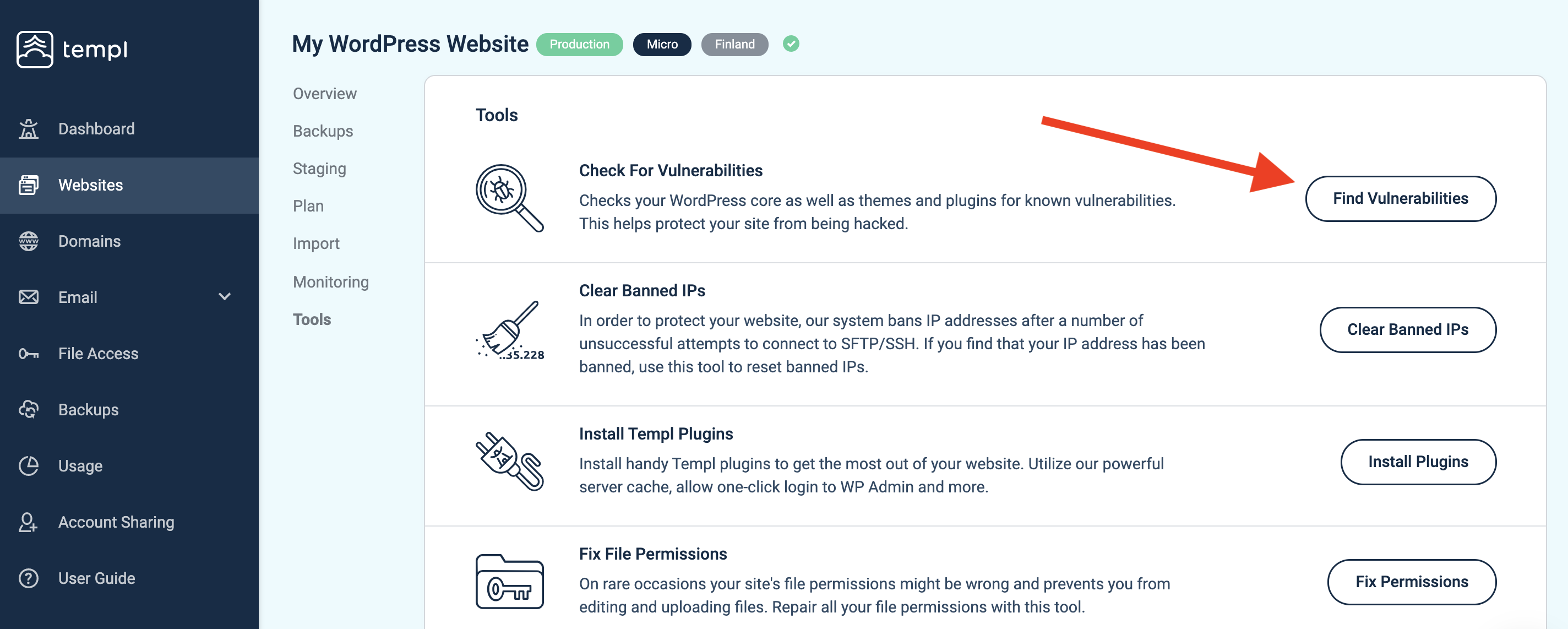
To use the tool, open your website in the Templ Panel and navigate to Tools → Find Vulnerabilities.
How it works
This tool checks which version of WordPress is installed on your site, as well as all plugins and themes. It then compares them to a database of known vulnerabilities.
You can expand each item to see in what version the known security holes were patched, so you know what version you need to update to, as well as a link to the patch note so that you can read more, should you want to.