Restart a website
Restarting a website reloads its server services and is often the quickest, safest first fix when a site becomes slow or unresponsive. It doesn't affect your files, database, or content.
Restart the website
- Click on Websites in the left panel.
- Click on the website you want to restart.
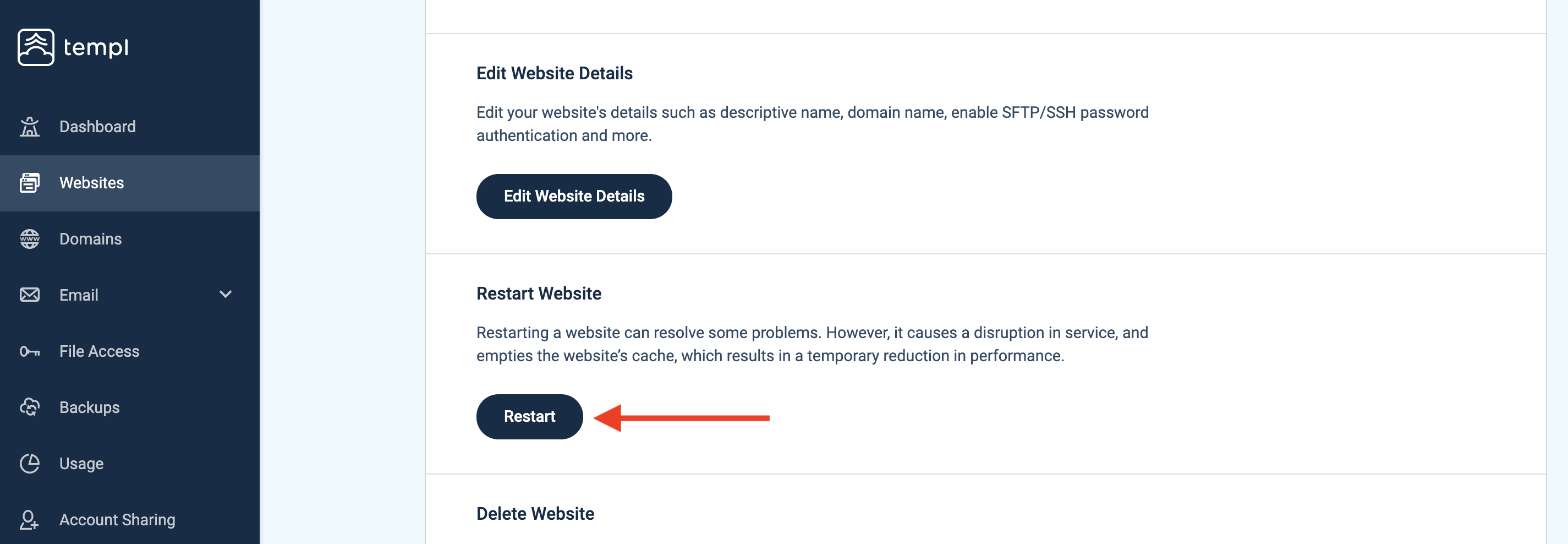
- Scroll down to the bottom, where you will find Restart Website. Click the Restart button to restart the website.
Restarting a website usually takes a few seconds. You will get a message on the screen when the restart is finished.
Restarting a website will restart the following services:
- PHP
- MySQL
- Redis (if enabled)