Trial accounts
Every new Templ account starts with a free 10-day trial - no credit card required. The trial lets you set up a website and try the platform before you pay anything.
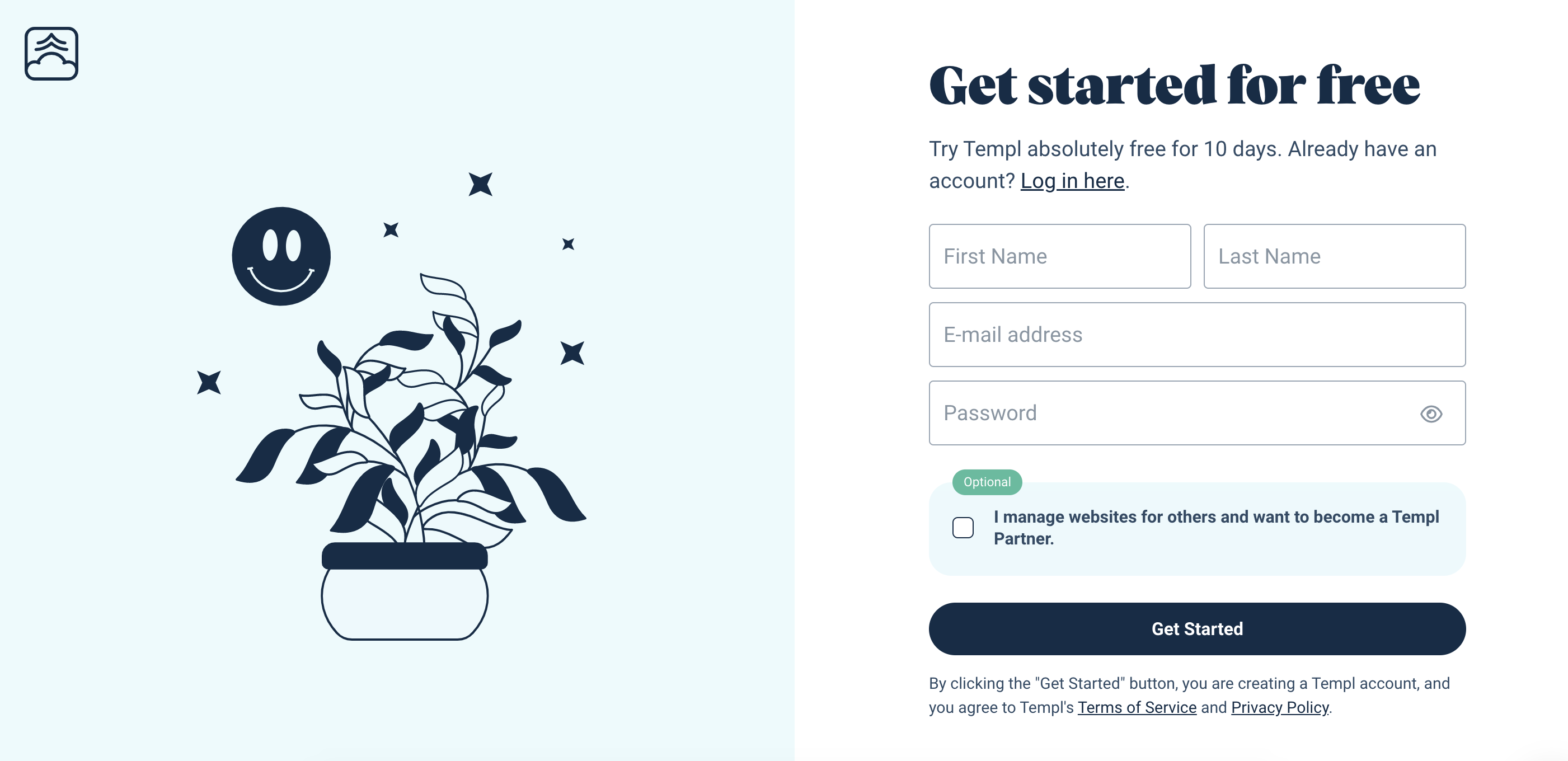
How to sign up for a Templ trial account
Register for a free Templ trial account here by entering your details (name, email, and password).
Be sure to use a strong password and store it safely. For security reasons, we don't accept passwords that are too weak.
What happens when the trial ends
To keep your website running after the 10-day trial, add a payment method: go to My Account, click Payment Methods, then Add new payment method. Once a payment method is added, your website continues on its current plan and is billed monthly - see how billing works.
If your website went live on a custom domain during the trial, we won't automatically shut it down when the trial ends. We'll contact you and give you a chance to complete payment before shutting it down.
Trial account limitations
The free trial runs on Small with 5 GB of storage, matching Micro's included storage so you can switch to Micro without reducing disk usage. Switching to Micro requires payment; you can't continue the free trial on Micro.
To prevent abuse, all Templ trial account websites use HTTP Authentication by default. The username and password are displayed on your website overview page in the Templ Panel.
If the default username/password is flagged by Google or others as insecure or leaked, you should change it to a strong, non-default password. The default password is only there to prevent unwanted visitors from reaching the site; it's not meant to be a secure password.
Other limitations:
- You can only set up one website as a trial user.
- You can not send emails from your website as a trial user.