Account sharing
When you share your Templ account with another user, they get full access to your account and the websites you choose to share with them, except your personal and billing details, which they can neither see nor change.
How to share a Templ account or selected websites
The person you want to invite must have their own Templ account before they can accept the invitation. If they don't have one yet, ask them to register here.
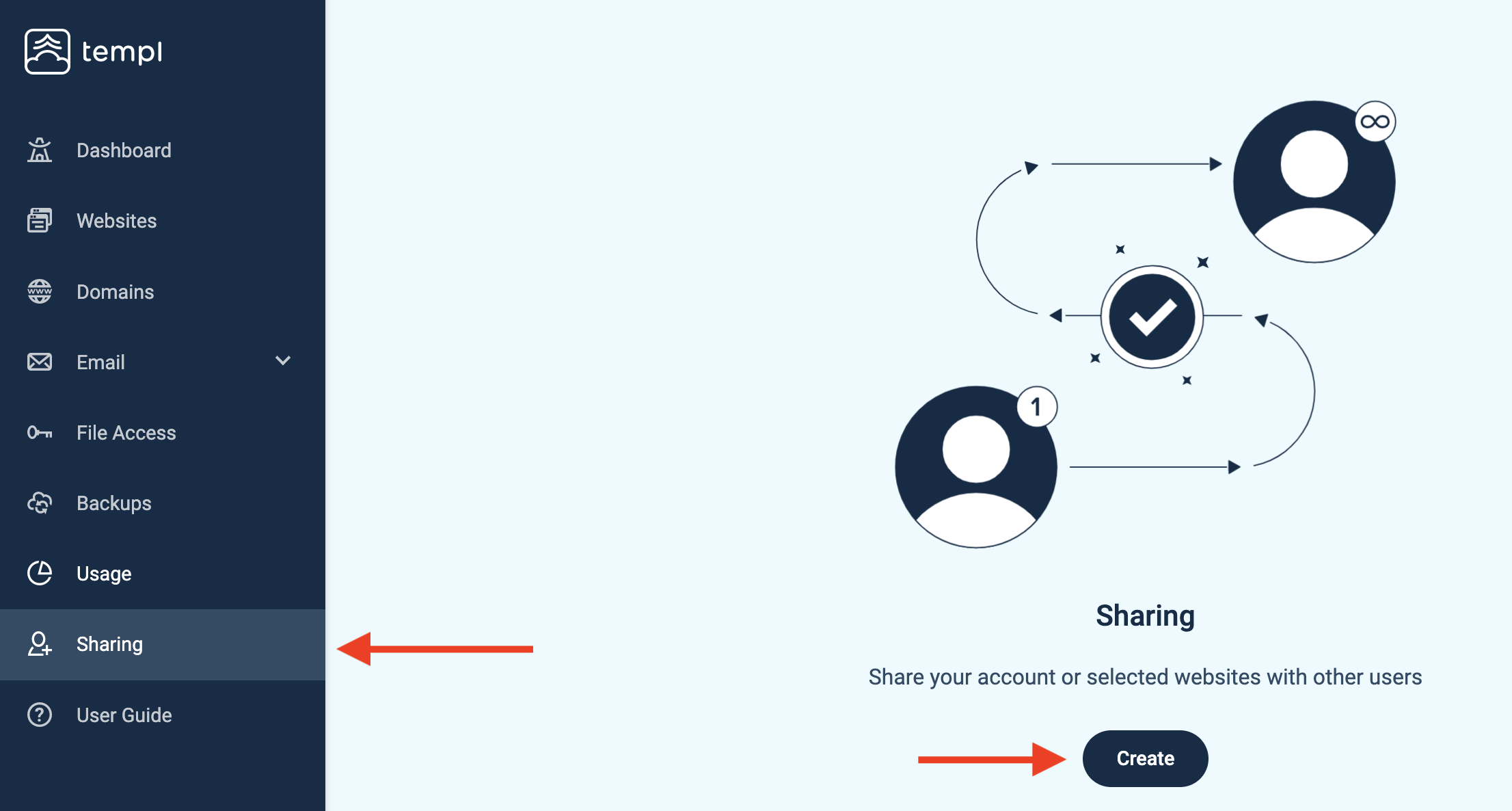
The next step is to navigate to the Sharing tab in the Templ Panel and click Create.
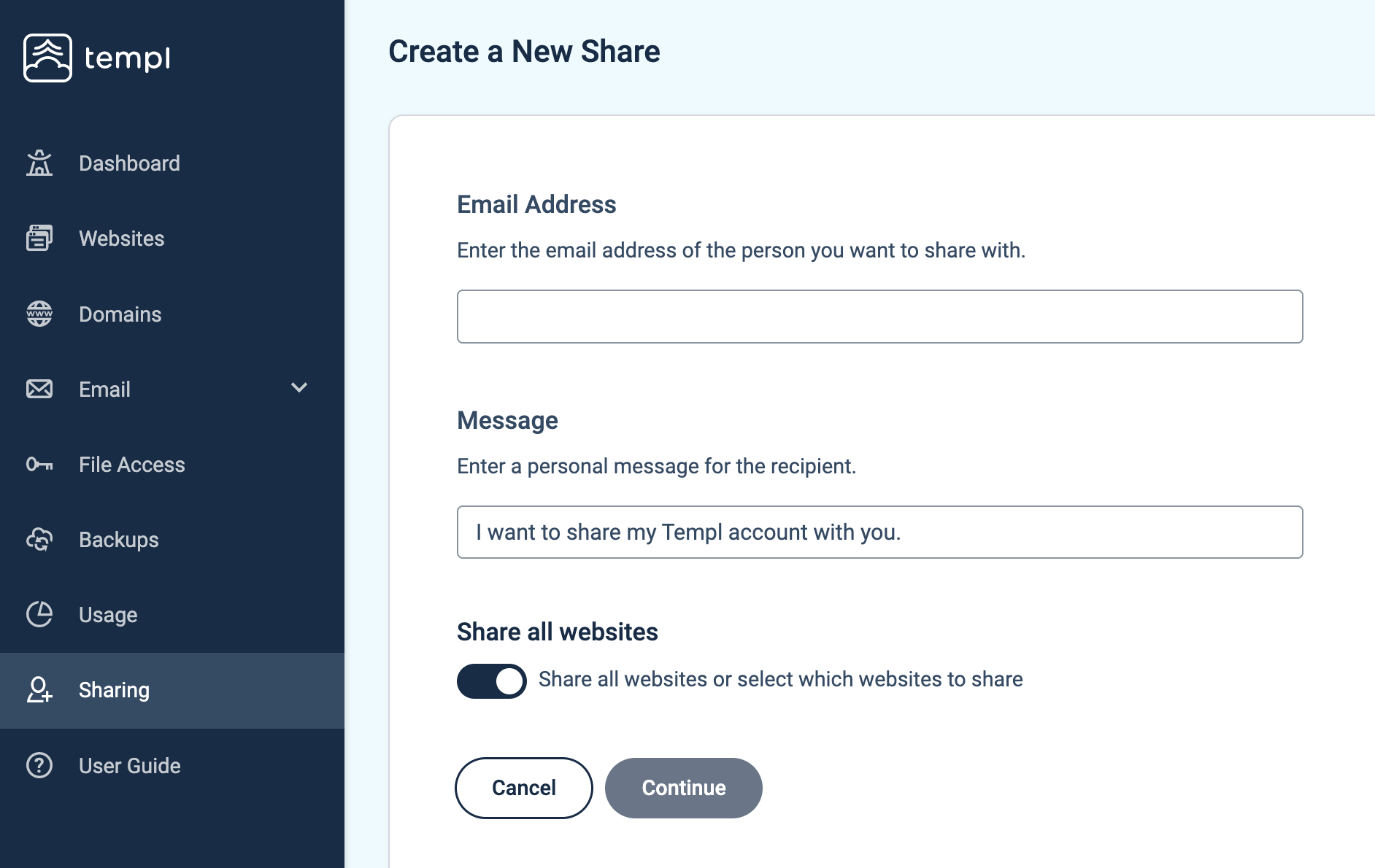
- Fill in the email address of the person you want to invite (it should be the same email as they used to register their Templ account with).
- Optional: Fill in a personal message for the recipient.
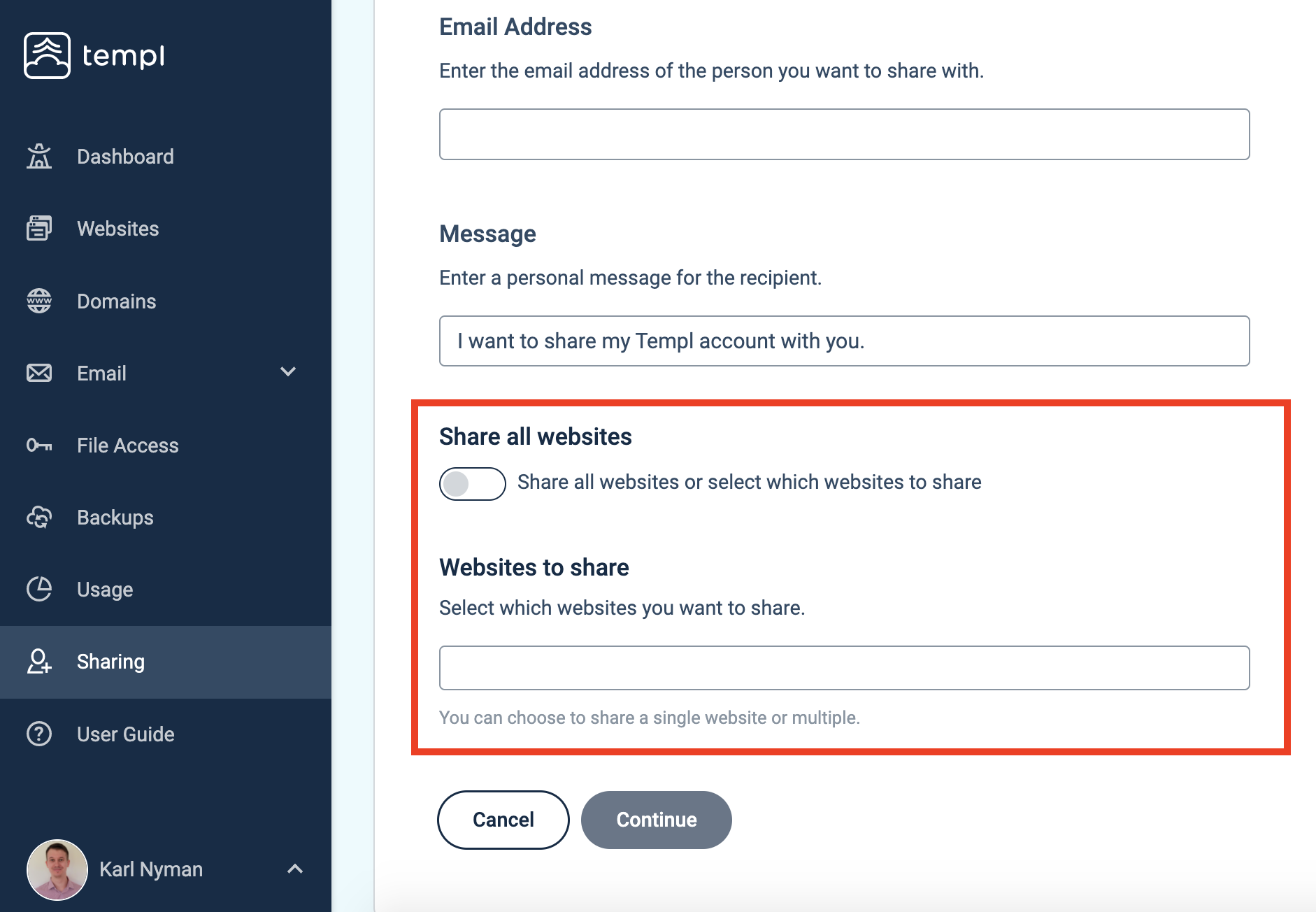
You can choose to share all websites in your account, or individual websites. To share individual websites you uncheck the "Share all websites" option like in the screenshot below, and select the websites you would like to share with the other user.
Once you have sent the invitation, ask the person to open the invitation email and click Accept invitation. They then have access to your Templ account or the websites you have chosen to share with them.
How to access a shared account
You can access another account after accepting a sharing invitation, or automatically after creating an account for a client.
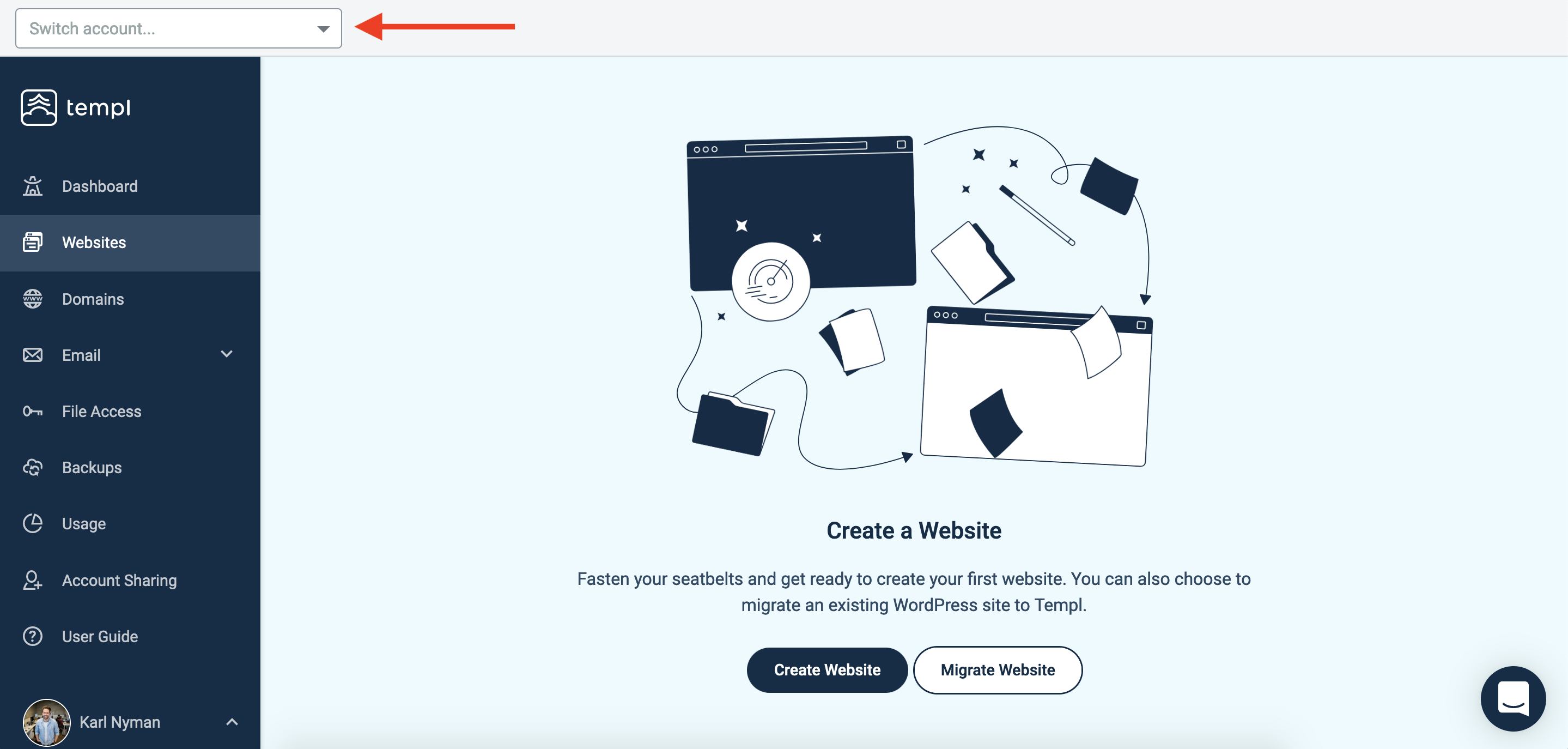
Click the Account switcher in the top left, and select the account you want to switch to. You will then be controlling their account and will be able to access the websites they have shared with you.
WP Admin access for shared users
Sharing a website already gives WP Admin access - no separate WordPress account needed. The person you share with gets the same one-click WP Admin button you have, signing them in as the same WordPress administrator via Templ Token Login. This works whether you share the whole account or selected websites.
Since everyone logs in as that same user, all changes are attributed to one identity. Create a separate WordPress user (in WP Admin under Users → Add New) only when you need per-person attribution or a limited role such as Editor.