Two-factor authentication
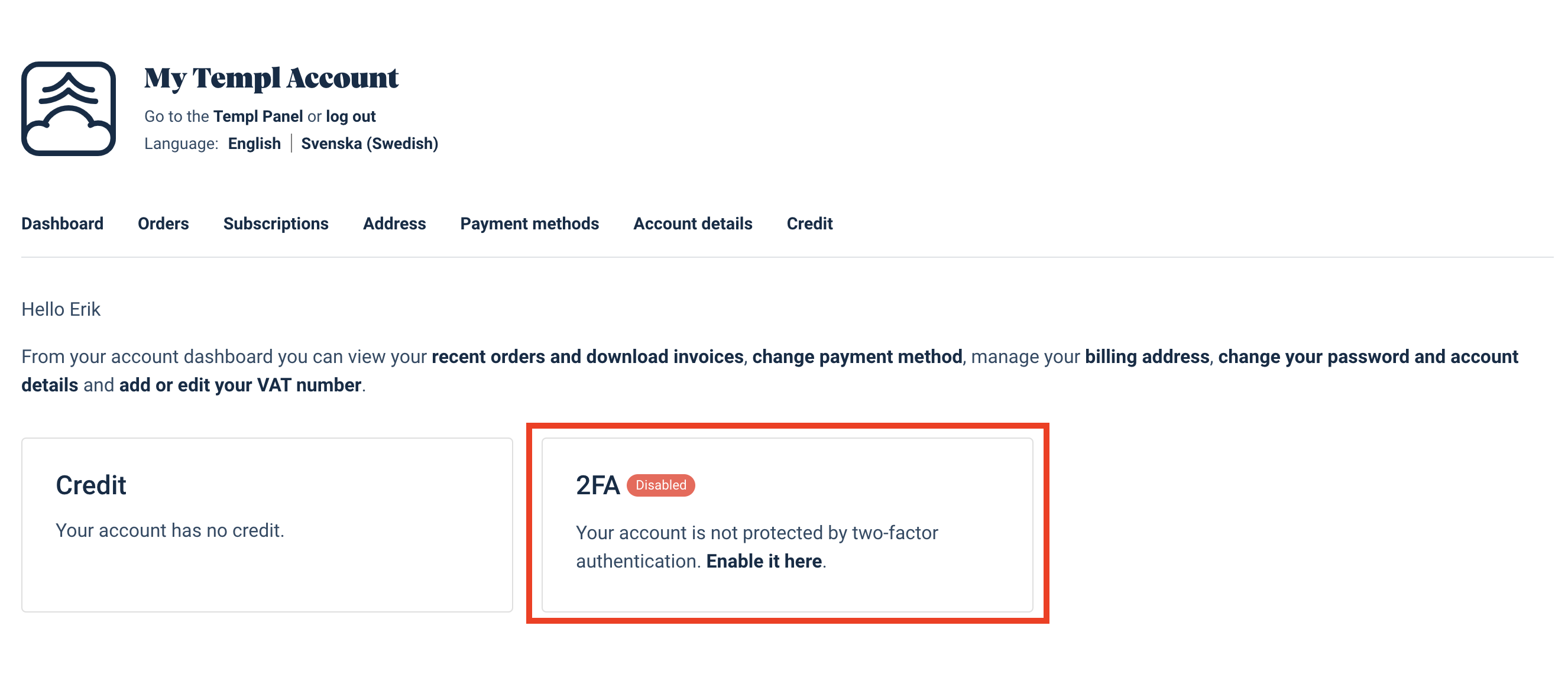
Two-Factor Authentication (2FA) can be enabled from My Account.
This protects your Templ Panel account.
To add 2FA to the WordPress login itself, see Protect WP Admin with two-factor authentication.
How to enable 2FA
After you have logged in to the Templ Panel, click on your name in the bottom left and then click My Account.
Then click Account details and enable Two-Factor Authentication (2FA) there.